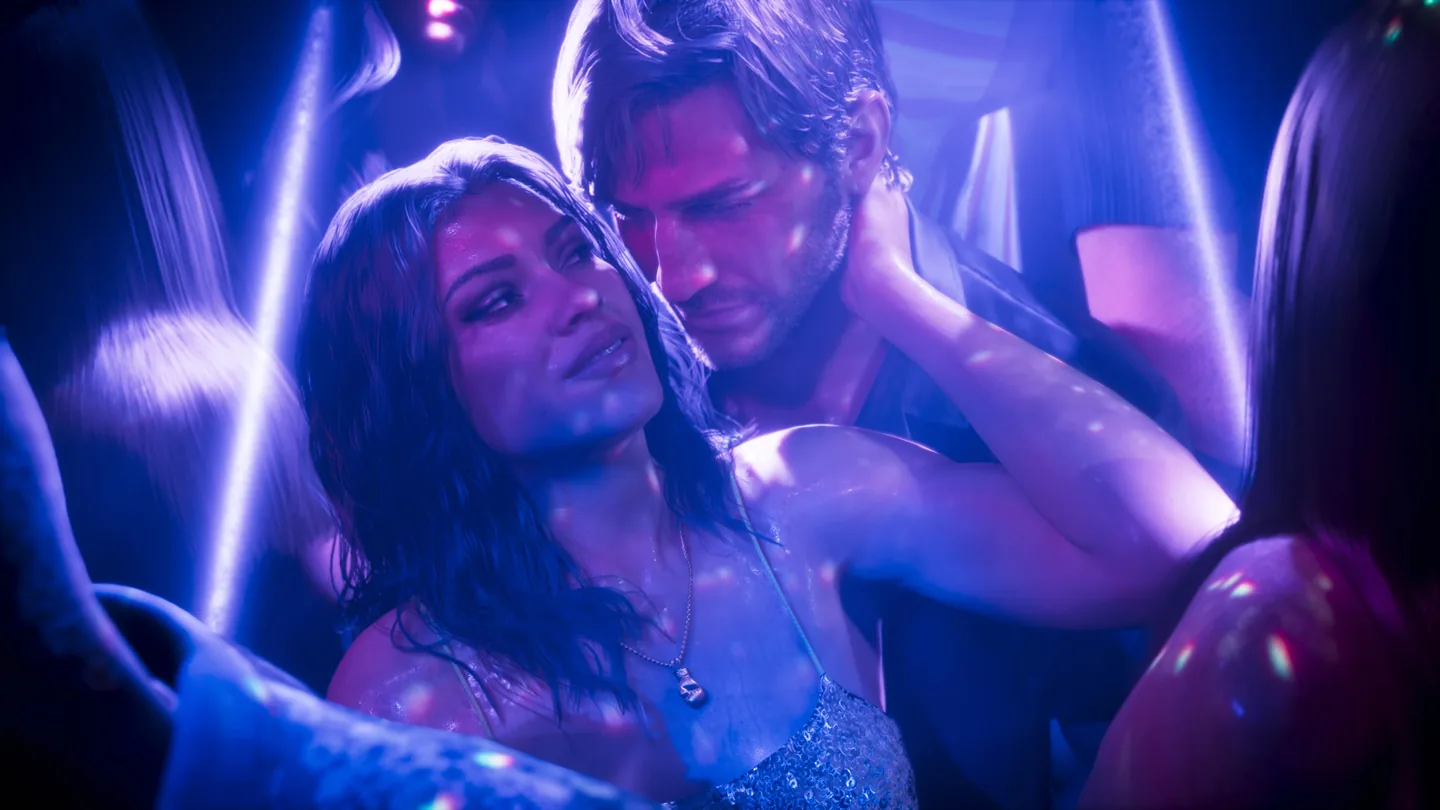
PS5 and PS5 Pro features
PS5 Pro adds PSSR image reconstruction and ray-traced shadows, according to PlayStation’s November 10 announcement. The PS5 version also supports DualSense effects and Tempest 3D Audio.
| Feature | PS5 | PS5 Pro |
|---|---|---|
| DualSense haptics, adaptive triggers and speaker | Yes | Yes |
| Tempest 3D Audio | Yes | Yes |
| PSSR | No | Yes |
| Ray-traced shadows | Not stated | Yes |
PSSR improves image clarity, according to Sony.
Frame rate and graphics modes
PlayStation hasn’t announced frame rates, output resolutions or graphics modes for GTA 6 in this post. A 60 fps mode hasn’t been confirmed.
If you’re considering a PS5 Pro for 60 fps, wait for confirmed performance details before buying.
Change DualSense vibration and trigger strength
Sony says GTA 6’s DualSense features can be adjusted through accessibility settings. You can also change the console’s general controller settings before playing:
- On PS5, open Settings → Accessories → Controller (General).
- Adjust Vibration Intensity and Trigger Effect Intensity separately.
- Use Volume (Speaker for Controller) to change the controller speaker level.
These controls are in the PS5 system settings.
Sources
- PlayStation Blog: GTA VI PS5 and PS5 Pro featuresChecked 17 November 2026.
- PlayStation: General controller settingsChecked 17 November 2026.