How much space do you need?
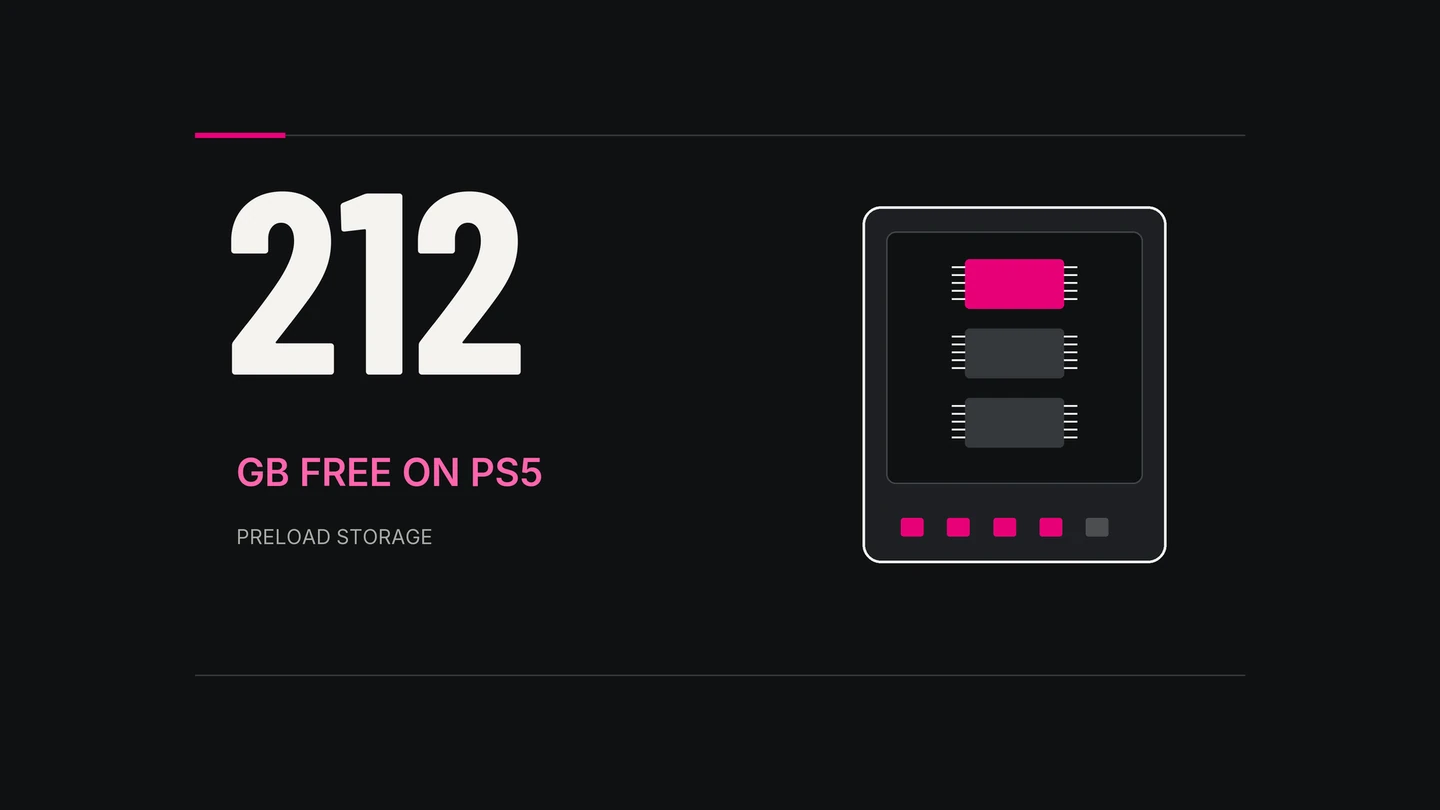
Leave at least 212 GB free on PS5. That’s the requirement in PlayStation’s GTA 6 preload instructions.
Rockstar’s preload FAQ gives a figure of up to 212 GB, depending on the device. These are free-space requirements. They don’t establish the size of every console’s download or a future patch.
Make room on PS5
- Open Settings → Storage to check available space.
- For games you’re ready to remove, open Console Storage → Games and Apps. Select the game data, then choose Delete.
- If you’d rather keep a game installed elsewhere, move it to compatible M.2 SSD storage or USB extended storage.
PS5 games stored on USB need to be moved back to console storage or an M.2 SSD before you can play them. Purchased games you remove can be downloaded again from your library.
These steps come from PlayStation’s storage guide. Saved data has its own settings; check what you’re selecting before deleting anything.
Set up the PS5 preload
For a digital preorder, PlayStation gives these steps:
- Open Game Library and select GTA 6.
- Select the release countdown to see the included content.
- Keep the checkbox selected for the content you want to download automatically.
Enable Stay Connected to the Internet for downloads in Rest Mode. See PlayStation’s automatic download instructions.
On Xbox Series X|S
Rockstar says automatic preloading requires automatic updates to be enabled, with the console powered on or in Sleep mode. Its preload FAQ links to Xbox’s setup and installation help.
Once the files are downloaded, you still need to wait for the game’s release time. Check the listing in your console’s store for your region.
- PlayStation: GTA VIChecked 17 November 2026.
- Rockstar: Preload FAQChecked 17 November 2026.
- PlayStation: Storage managementChecked 17 November 2026.
- PlayStation: Automatic downloadsChecked 17 November 2026.