Estimate the time left
Enter the data still to download and the speed your console is getting. Use the queue’s figures if you have them; your broadband plan’s advertised speed may be higher.
Example download times
These examples use a 100 GB download. That is an example size, not a claim about GTA 6’s download.
| Steady speed | Estimated time |
|---|---|
| 50 Mbps | 4 hr 27 min |
| 100 Mbps | 2 hr 14 min |
| 250 Mbps | 54 min |
| 500 Mbps | 27 min |
If half the download is already complete, enter the remaining half. Entering the whole file again would overestimate the time left.
GB, Mbps and MB/s
GB measures the amount of data. Mbps measures millions of bits transferred per second. MB/s uses bytes instead: multiply an MB/s reading by eight before putting it in the Mbps field. For example, 12.5 MB/s equals 100 Mbps.
The calculator uses decimal gigabytes and this formula: seconds = GB × 8,000 ÷ Mbps. It rounds the result up to a whole minute. Actual speeds change during a download, so recalculate if the queue settles at a different rate.
Find the right size
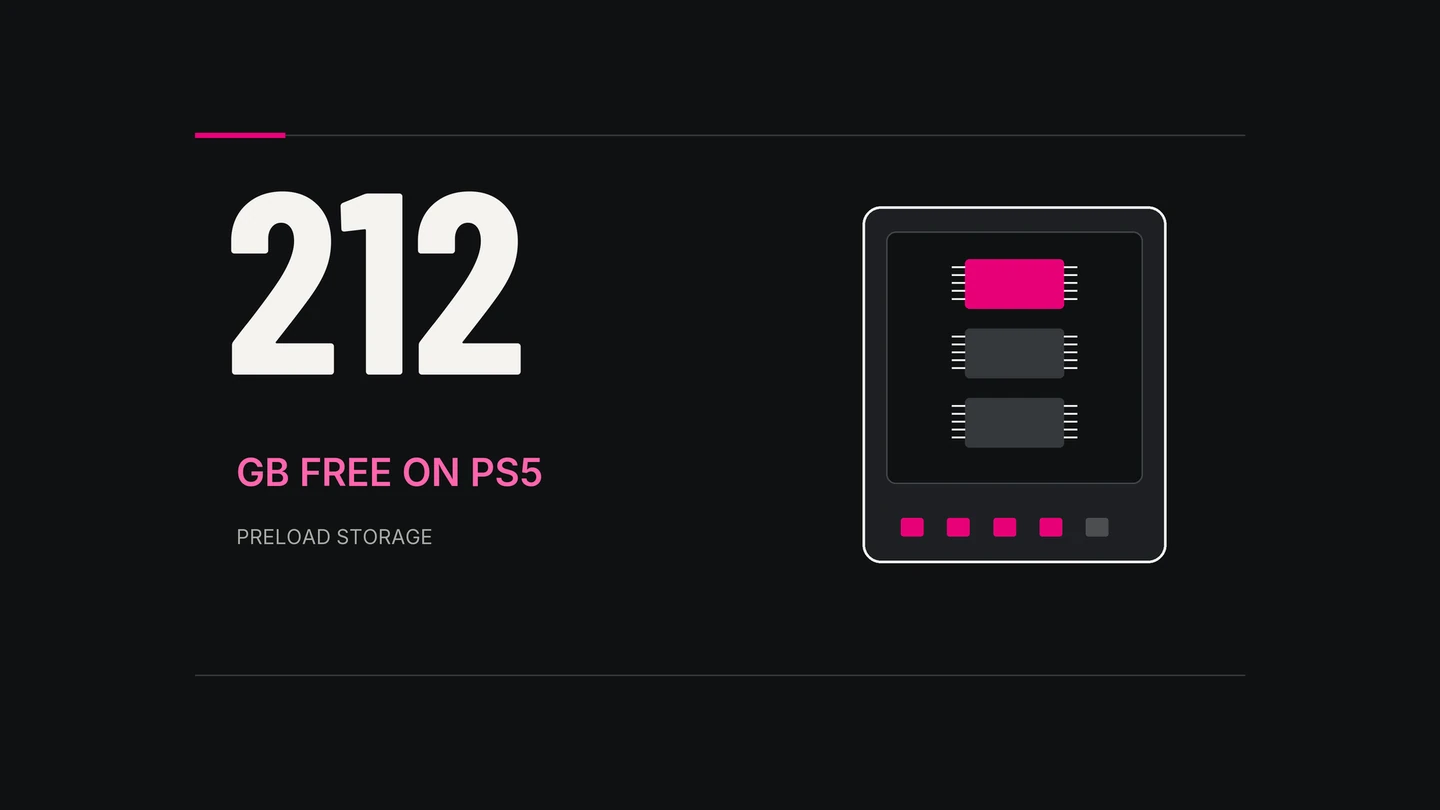
Rockstar’s preload FAQ lists up to 212 GB of available storage, depending on the device. Free space and transferred data measure different things. Don’t enter 212 GB just because it’s the space requirement; check what your download queue actually shows.
For storage settings and the official preload instructions, use our console setup guide. A finished transfer still needs to install, and GTA 6 remains locked until its release time.
- Rockstar: GTA VI Preload FAQChecked 17 November 2026.